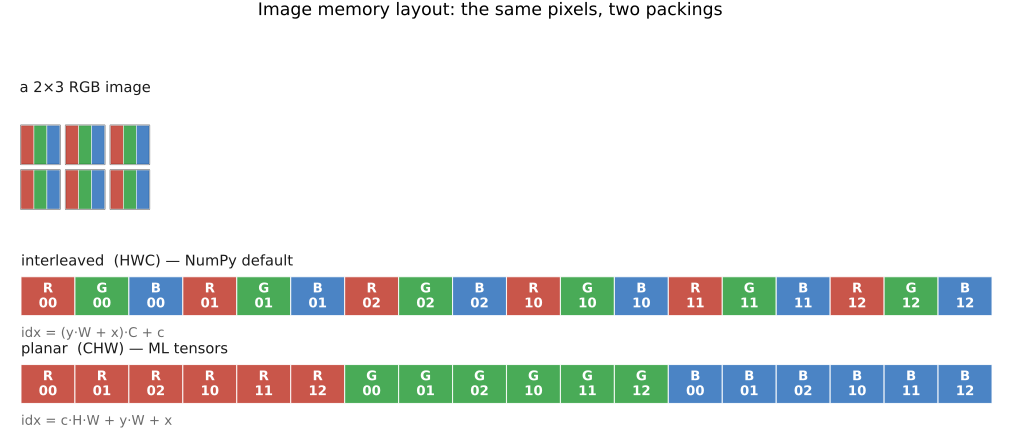
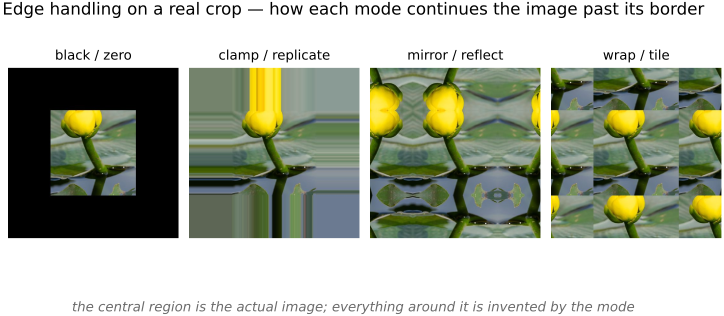
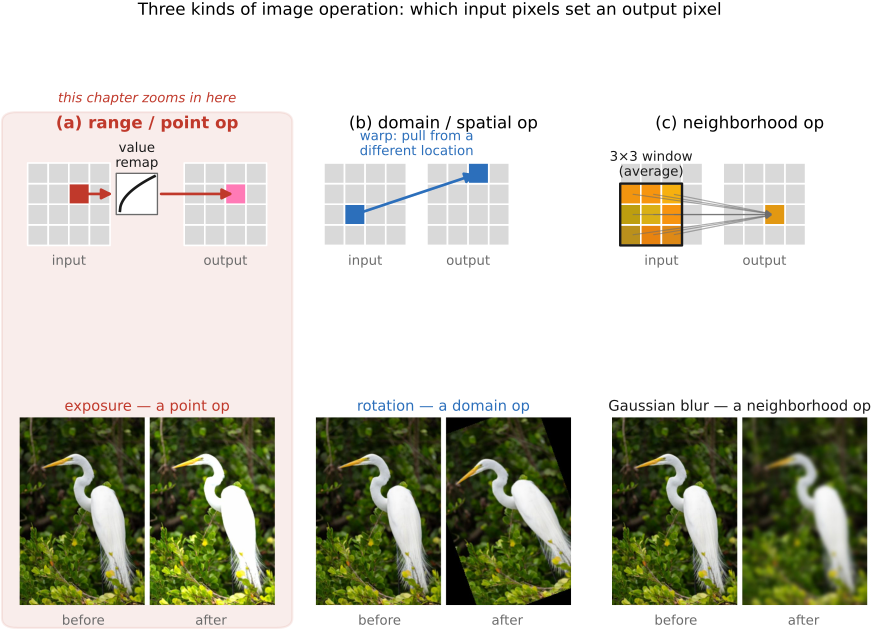
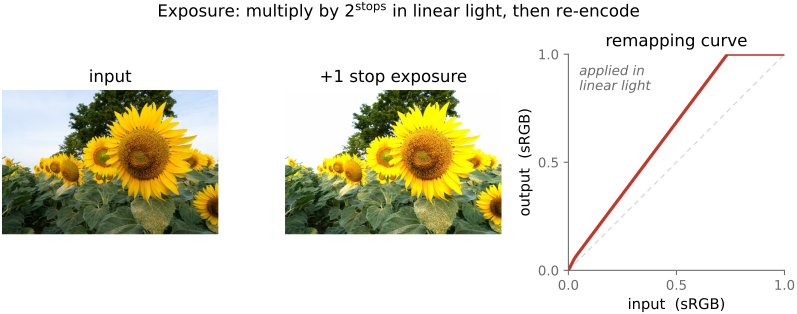
We'll focus on floats in [0,1]
8 bits are used on disk and for fast computation but dealing with 8 bit arithmetic is a pain. We discuss it in later chapter (ref).
• side bar: **how floating point works** — a float stores a number as **sign × mantissa × 2^exponent**, binary scientific notation: the **exponent** slides the binary point so the same ~24 mantissa bits (32-bit `float`) give **relative** precision across a huge range. What this means for images:
• **precision is relative** — fine resolution near 0, coarser for large values; a good match for **linear radiance / HDR** (and roughly for how we perceive light)
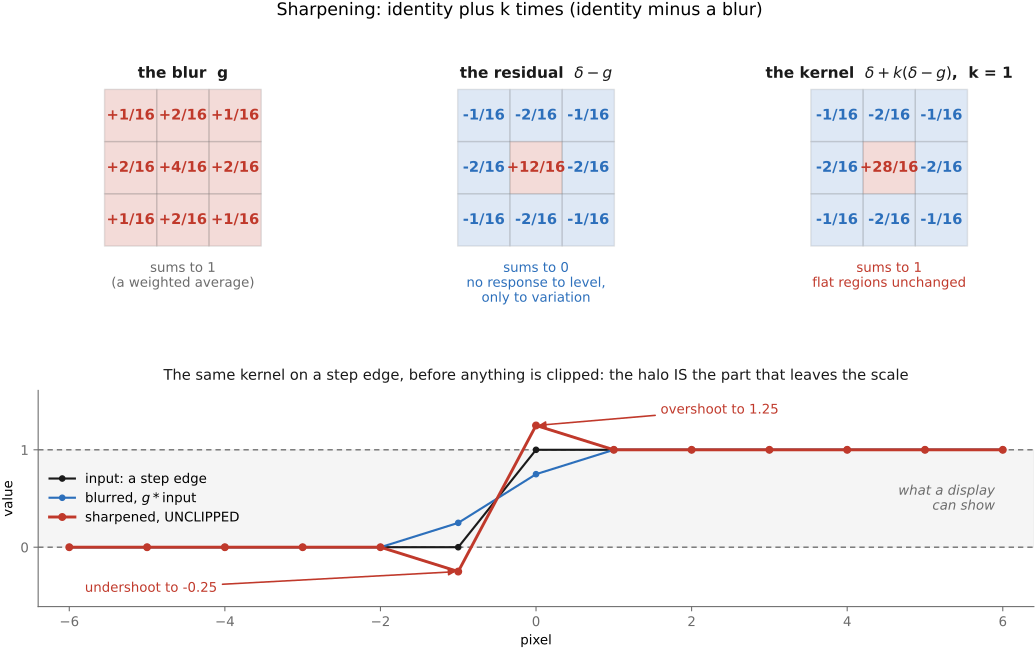
• values **outside [0,1] are fine** (super-whites, the negative lobes of a sharpening filter) — nothing clamps until you output
• `0.1` is **not exact** in binary, and adding numbers of very different magnitude **loses the low bits** (a long sum of many small values drifts) — usually negligible for images, occasionally not
• **inf** and **NaN** (`0/0`, `log` of a negative, `0×inf`) **propagate** and silently poison an image — a classic bug source; check for them
• `float32` is the working default; **`float16`/half** halves memory (ML, some HDR pipelines), `float64` is rarely needed for images
• [forward ref: the pains of **8-bit integer** arithmetic — overflow, rounding, no headroom — later chapter]
• **reminder** — 💡 **L2.49, quantization is rarely the real problem** (the lesson is introduced in FUNDAMENTALS → [[Image Formation and linear perspective#Noise|Noise]]): with enough bits and a sane encoding it's **noise and dynamic range** that bite, not the number of levels — which is exactly why **floats with headroom** are the sane default here.
• **how many bits for what** (match the depth to the *job*):
• **8-bit integer** — **display and delivery**, and compact storage. ~256 levels is enough *perceptually* **only because gamma** puts the codes where the eye is sensitive (the darks — see *encoding* below); but it has **no headroom** and **rounds on every operation**, so it's a poor *working* format.
• **10–14-bit** — what **camera raw** delivers, sized to the sensor's dynamic range (and to dual-conversion-gain / HDR sensors, FUNDAMENTALS).
• **16-bit integer** — the safe **intermediate for editing**: repeated operations don't accumulate visible **banding / rounding** the way 8-bit does (Photoshop's "16-bit mode").
• **float32 (linear light)** — the sane **working / HDR** format: relative precision, values allowed **outside [0,1]**, nothing clamps until output. **float16 / half** halves memory for ML and HDR pipelines.
• **the rule of thumb**: **more bits — and float — wherever you do *math* or hold *high dynamic range*; few bits only at the display / output end.** Spend precision where rounding and range actually hurt.
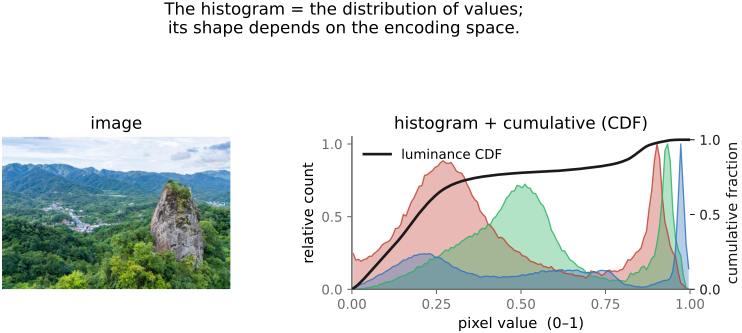
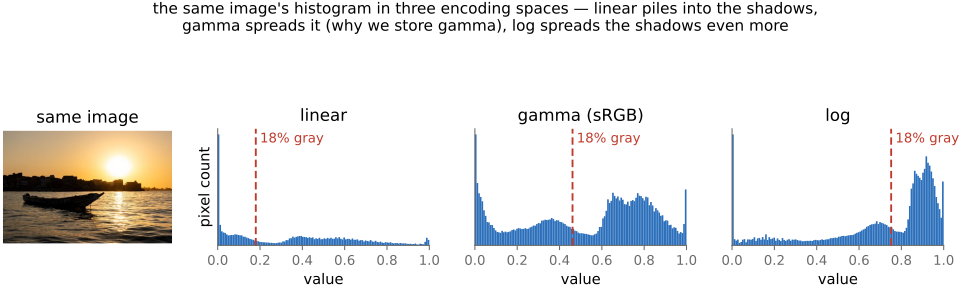
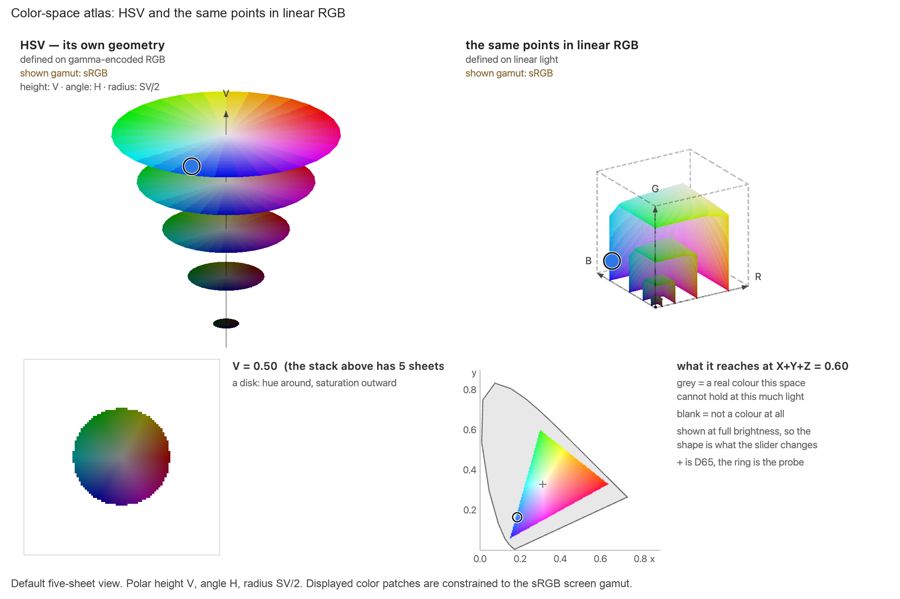
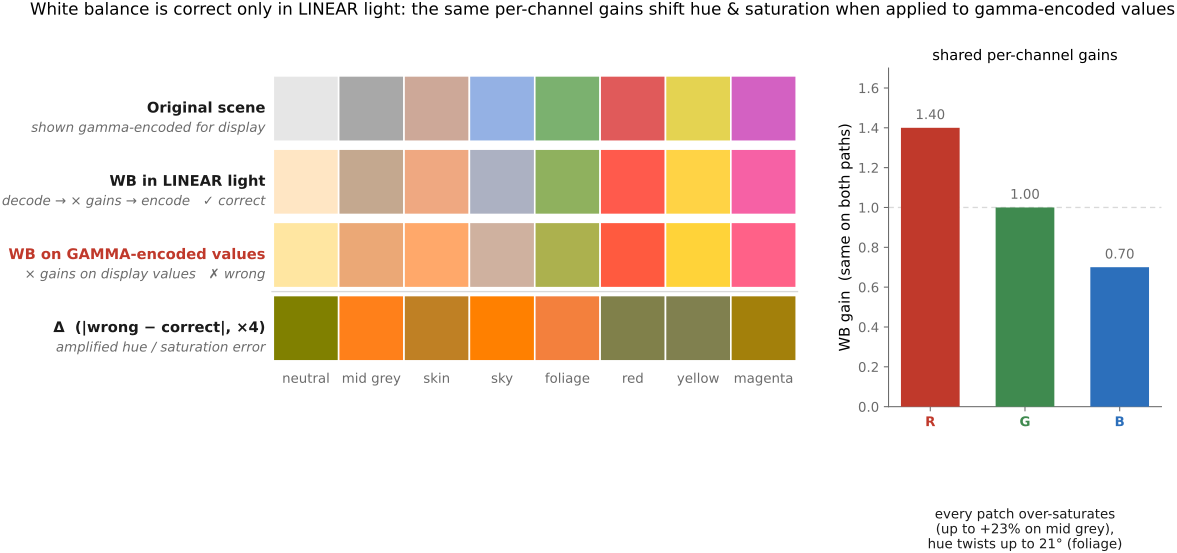
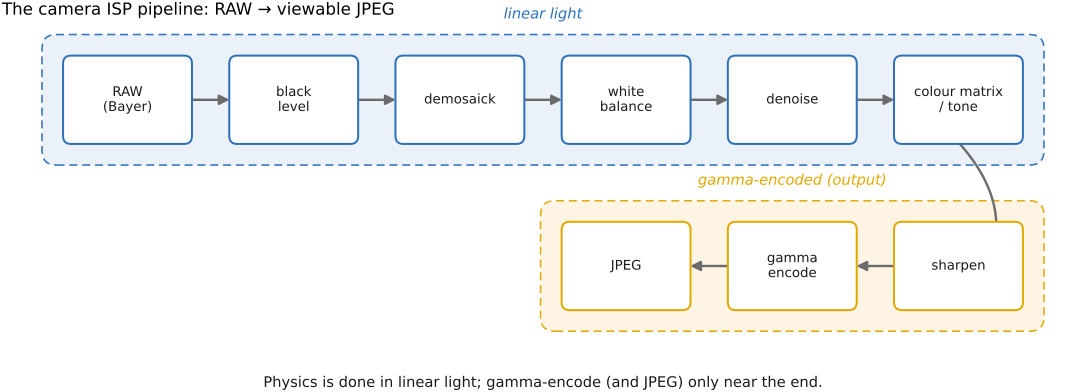
• 💡 **bit-depth and encoding decisions go together.** How many bits you need depends on the **encoding** you store them in, because a big part of **gamma's job is to give you better *uniform* quantization**: it spaces the available codes the way the eye perceives brightness — fine steps in the darks, coarse in the highlights — so **8 *gamma*-encoded bits** look smooth where **8 *linear* bits** would band badly in the shadows. (That is not gamma's *only* job — it also matches display response and historical pipelines, see *encoding* just below — but "make a few bits go further" is a big one.) The converse: you do **math in linear**, and linear light wants **more bits / float** to avoid that banding. So don't pick a bit depth and an encoding separately — **choose them as a pair**.